
Download CoffeeSender – Free B2B Email & Voucher Tool
Overview
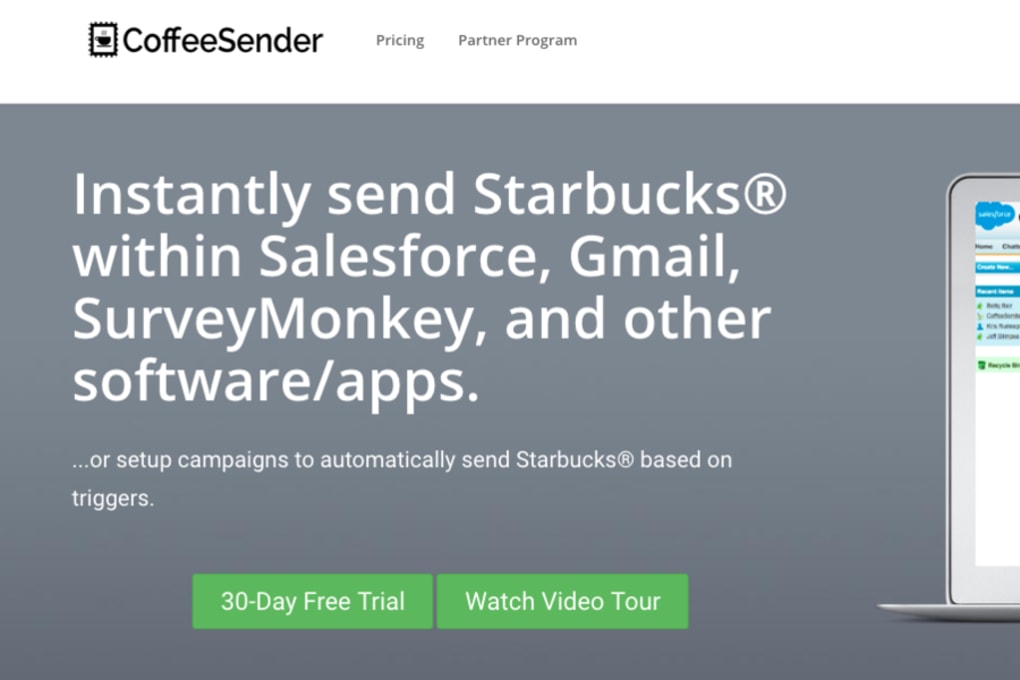
CoffeeSender is a free, cloud‑based business‑to‑business (B2B) communication platform that was built with small and medium‑sized enterprises in mind. The core idea behind the software is to give companies a simple, secure way to interact with their suppliers, send professional‑looking emails, and distribute digital gift vouchers without the need for a complex ERP system. By centralising all supplier‑related conversations in one dashboard, CoffeeSender removes the friction that often occurs when buyers and sellers rely on scattered email threads or handwritten notes.
The interface is clean and intuitive: users can create custom email templates, attach PDF vouchers, and track delivery status in real time. While the tool originates from a US‑centric market, it provides enough flexibility for international users to adapt the currency and language settings to their local context. This makes CoffeeSender a practical solution for firms that need a lightweight yet powerful method to maintain rapport with vendors, manage promotional campaigns, and keep a clear audit trail of all outbound communications.
Because the service is hosted on secure servers, businesses benefit from regular automatic updates, encrypted data transfers, and compliance with common data‑privacy standards such as GDPR. In short, CoffeeSender delivers a cost‑effective, no‑installation‑required way for companies worldwide to streamline supplier outreach, improve brand perception, and ultimately drive smoother procurement cycles.
Core Features & Compatibility
- Customisable email templates with drag‑and‑drop design tools.
- One‑click generation and distribution of digital gift vouchers.
- Real‑time delivery tracking and read‑receipt notifications.
- Multi‑currency support – edit templates to display local currency instead of USD.
- Secure cloud storage with end‑to‑end encryption.
- Automatic software updates – no manual patches required.
- Integrations with popular CRM and accounting platforms via API.
- Role‑based access control for team collaboration.
- Analytics dashboard showing open rates, voucher redemption, and supplier response times.
- Mobile‑responsive web app for on‑the‑go management.
Compatibility
CoffeeSender runs entirely in the web browser, which means it is compatible with all modern operating systems. Whether your team uses Windows 10/11, macOS Ventura, Linux distributions, or mobile platforms such as Android 13 and iOS 17, the application will render correctly in Chrome, Edge, Firefox, or Safari. Because no local installation is required, IT departments can avoid the usual licensing headaches and focus on user training instead.
Pros
- Fully free for unlimited users – ideal for startups and growing SMEs.
- Simple, intuitive UI reduces the learning curve.
- Robust security and automatic updates keep data safe.
- Multi‑currency templates make international use painless.
- Analytics give clear insight into supplier engagement.
Cons
- Primary design assumes US‑based sellers; some localisation steps are manual.
- Limited advanced workflow automation compared to full ERP suites.
- No native desktop client – reliance on a stable internet connection.
- Support response times can vary during peak periods.
- Advanced integrations may require a developer’s assistance.
Installation & Usage Guide
Step 1 – Create Your Account
Visit the official CoffeeSender homepage and click the “Sign Up Free” button. You will be prompted to enter a business email address, create a secure password, and confirm your company name. After verification, you’ll receive a welcome email containing a link to activate your account.
Step 2 – Set Up Currency & Language
Once logged in, navigate to the Settings → Localization tab. Here you can select your preferred currency (e.g., EUR, GBP, AUD) and language for the interface. The change instantly reflects in all email and voucher templates, ensuring that every communication displays the correct local symbols.
Step 3 – Build an Email Template
Go to the “Templates” section and click “Create New”. Use the drag‑and‑drop editor to add your company logo, custom greeting, and dynamic fields such as {SupplierName} or {InvoiceNumber}. Save the template and optionally set it as a default for future campaigns.
Step 4 – Generate Gift Vouchers
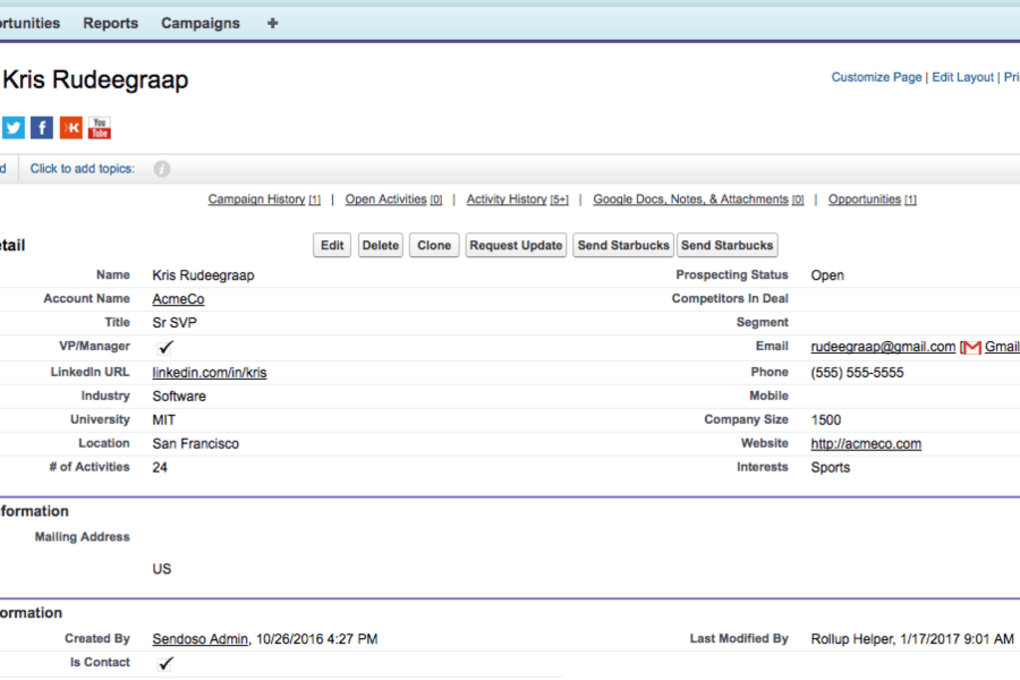
From the “Vouchers” tab, choose “New Voucher”. Define the voucher amount, expiry date, and any usage restrictions. The system will automatically embed a unique QR code and a redemption link. You can attach the voucher PDF directly to an email template or download it for offline distribution.
Step 5 – Send & Track
Select the contacts you wish to reach from the “Suppliers” list, apply the prepared template, and hit “Send”. The dashboard updates in real time, showing delivery status, open rates, and voucher redemption metrics. If a supplier does not open the email within 48 hours, you can trigger an automated reminder with a single click.
FAQ & Conclusion
Is CoffeeSender really free for unlimited users?
Yes. CoffeeSender offers a completely free tier that allows an unlimited number of users, email sends, and voucher generations. There are no hidden fees, making it perfect for startups and growing businesses.
Can I use CoffeeSender on mobile devices?
Absolutely. The web app is fully responsive and works on Android and iOS browsers. You can compose emails, generate vouchers, and view analytics from any smartphone or tablet.
How does CoffeeSender handle data security?
All data is transmitted over TLS 1.2+ encryption, and stored on servers that comply with ISO 27001 and GDPR standards. Regular security audits and automatic updates keep the platform protected against emerging threats.
What if I need to customise the voucher design?
CoffeeSender includes a built‑in voucher editor where you can upload your own branding assets, change colours, and add custom fields. For more advanced designs, you can export the PDF and edit it in any graphic‑design tool before sending.
Is there any limitation on the number of vouchers I can generate?
No. The free plan allows unlimited voucher creation. The only practical limit is the storage space allocated to your account, which is generous enough for most small‑to‑medium enterprises.
Conclusion
If you are looking for a secure, free, and easy‑to‑use solution to streamline communication with your suppliers, CoffeeSender checks all the right boxes. Its intuitive template builder, multi‑currency support, and real‑time analytics empower businesses to maintain professional relationships without the overhead of a full‑scale ERP system. While the platform was originally designed for US sellers, the ability to edit currency symbols and language means it can be adapted to virtually any market. Give CoffeeSender a try today – simply download the app, create your free account, and start sending polished emails and gift vouchers in minutes. Your suppliers will appreciate the professionalism, and you’ll enjoy the peace of mind that comes with a secure, constantly updated cloud service.



.png)



